How to invite an organization admin
Organization admins manage schools on behalf of a foundation, school group, or other entity. Before you can add one, the user must already have an account on the platform.
1. Open Organizations
Section titled “1. Open Organizations”Go to /admin and click Organizations in the left sidebar. This page lists all organizations currently on the platform.
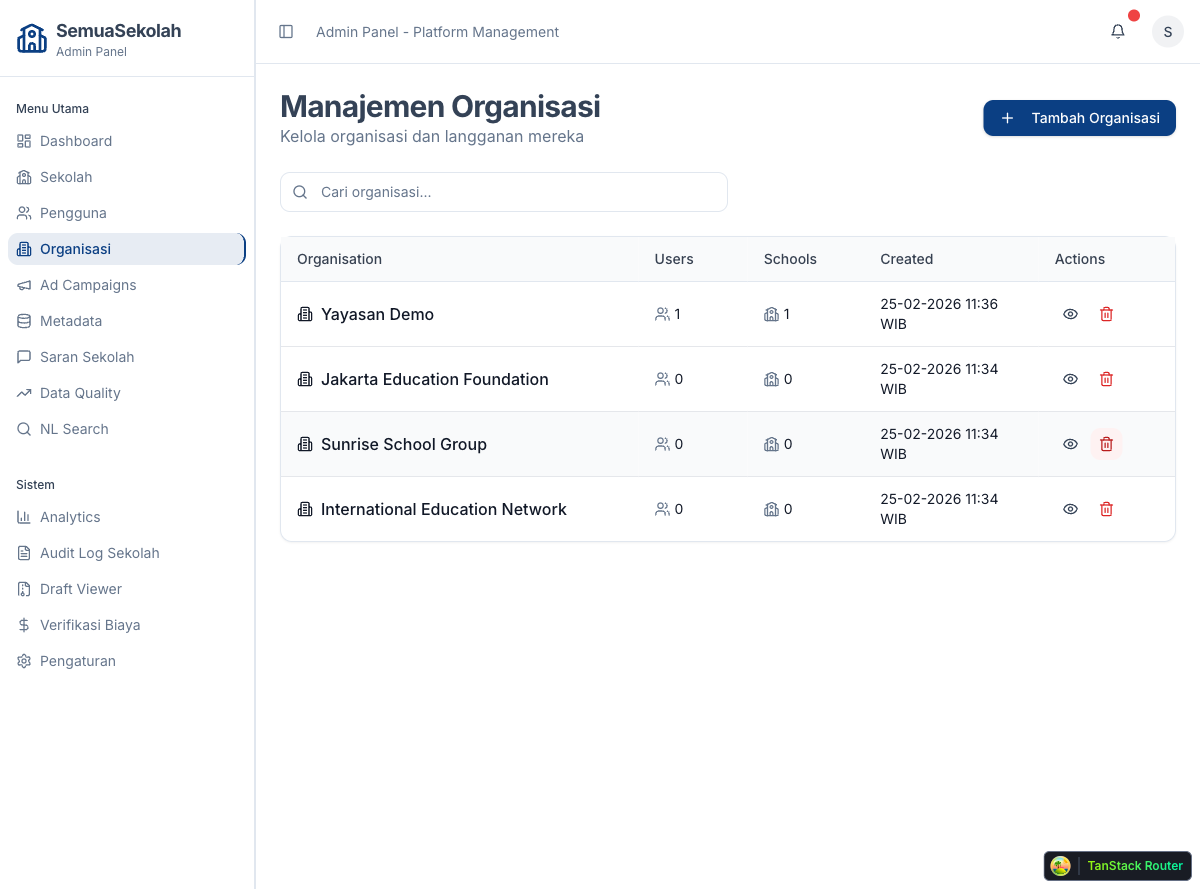
To add an admin to an existing organization, click its row to open the detail page. To add one to a new organization, create the organization first using Tambah Organisasi.
2. Open the organization detail
Section titled “2. Open the organization detail”Click an organization to view its detail page, which shows the organization’s profile, school count, and current admins.
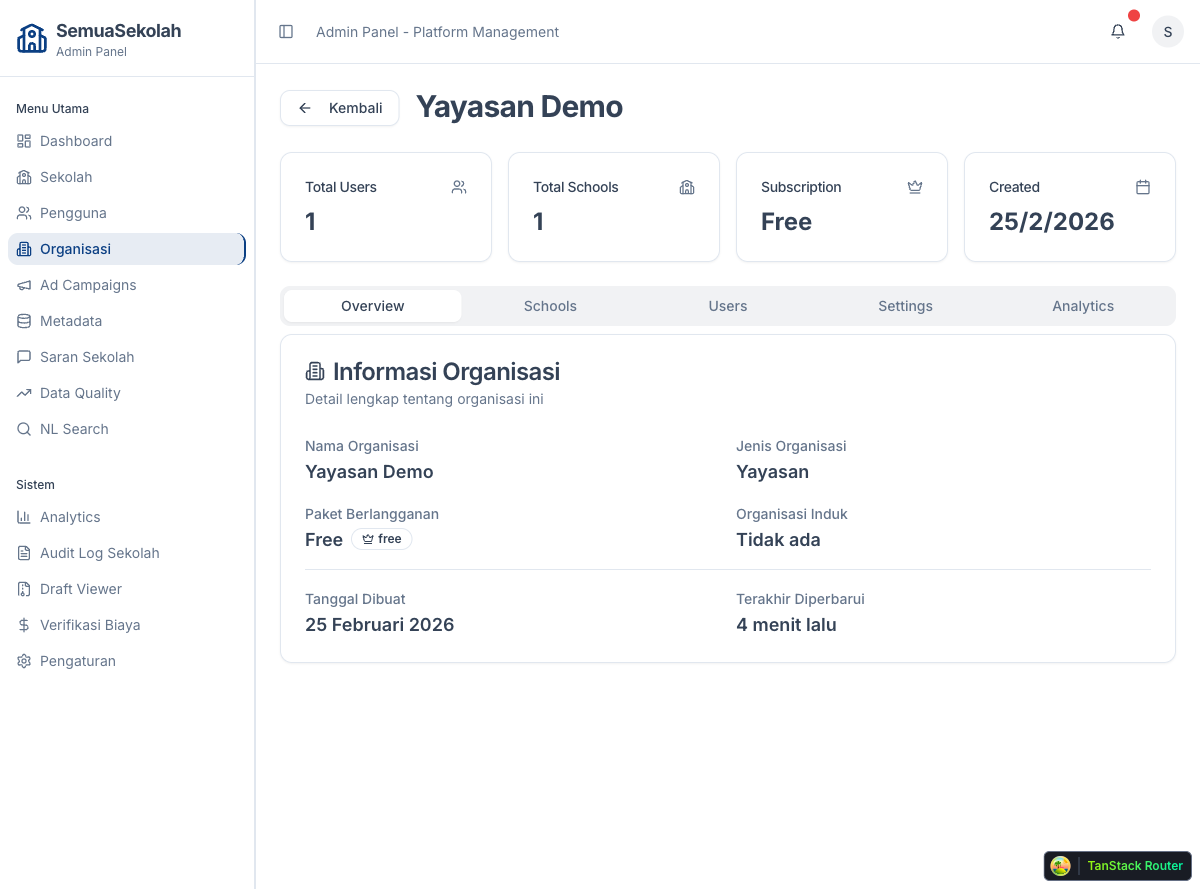
3. Go to the Users tab
Section titled “3. Go to the Users tab”Click the Users tab to see who currently manages this organization.
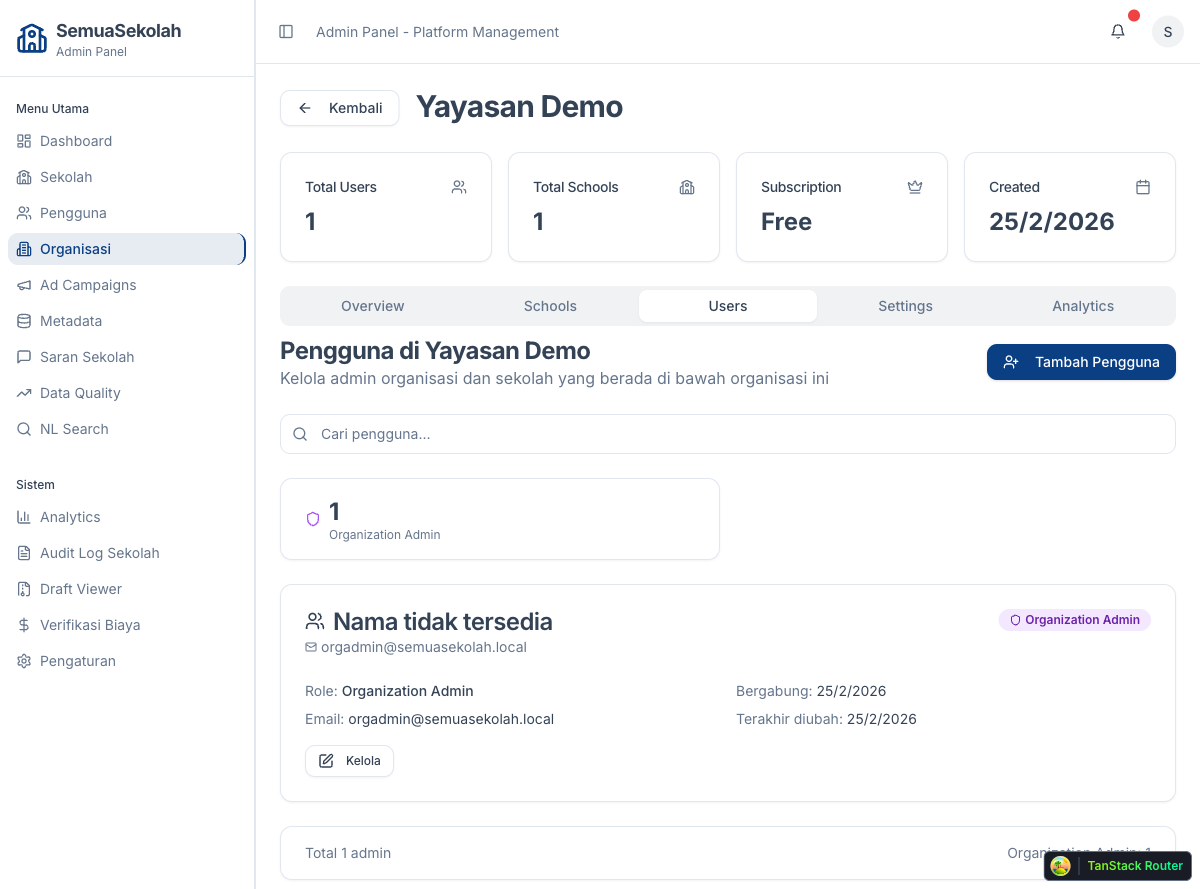
4. Add an admin
Section titled “4. Add an admin”Click Tambah Pengguna. A dialog appears asking for the user’s email address.
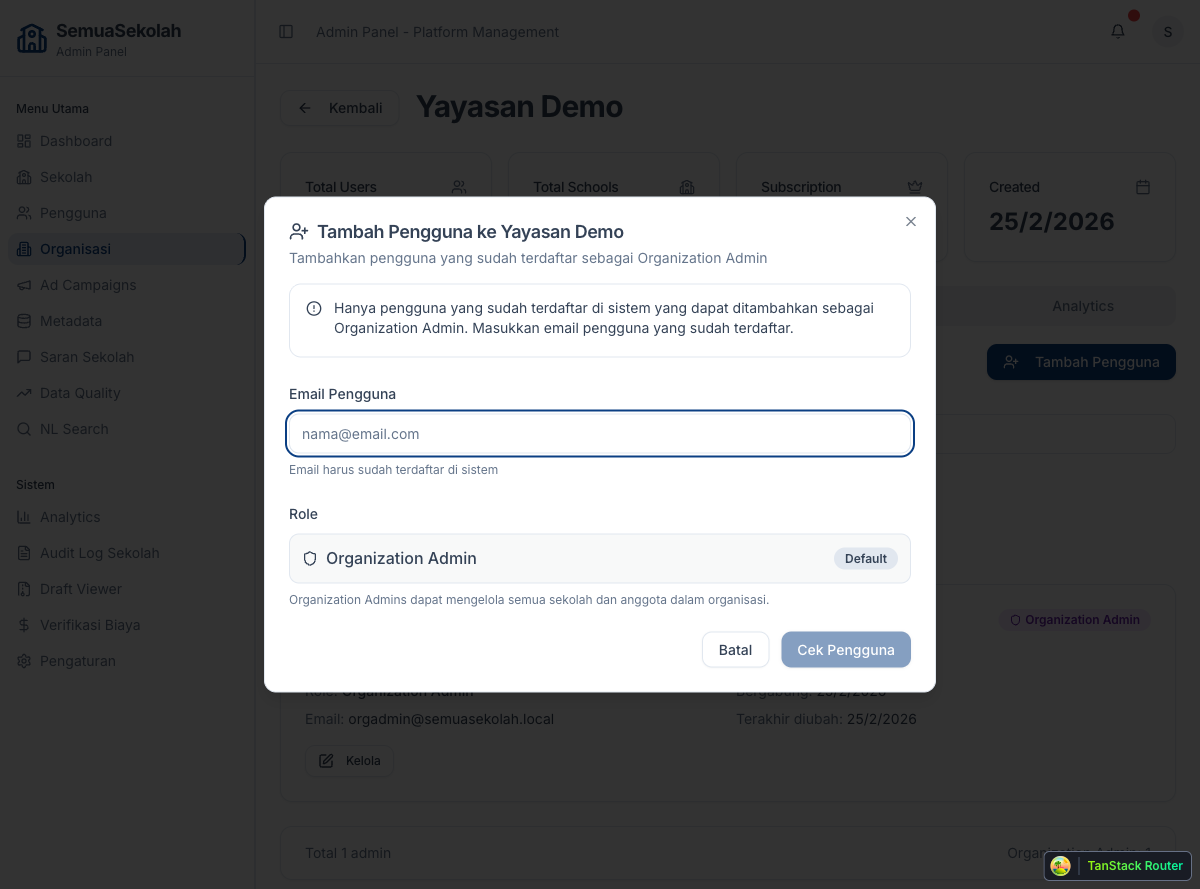
Enter the email of the user you want to add. The user must already be registered — if they are not, ask them to sign up first, then come back to add them here.
Click Cek Pengguna to verify the email, then click Ya, Tambahkan Pengguna to confirm. The user is immediately added to the organization with the Organization Admin role. They can log in and access /organization right away.