How to create a new school
Creating a school takes two steps: registering the school record, then filling in its full details using the school editor.
1. Open the create school form
Section titled “1. Open the create school form”Go to Sekolah in the left sidebar and click Tambah Sekolah in the top-right corner. The create school form appears.
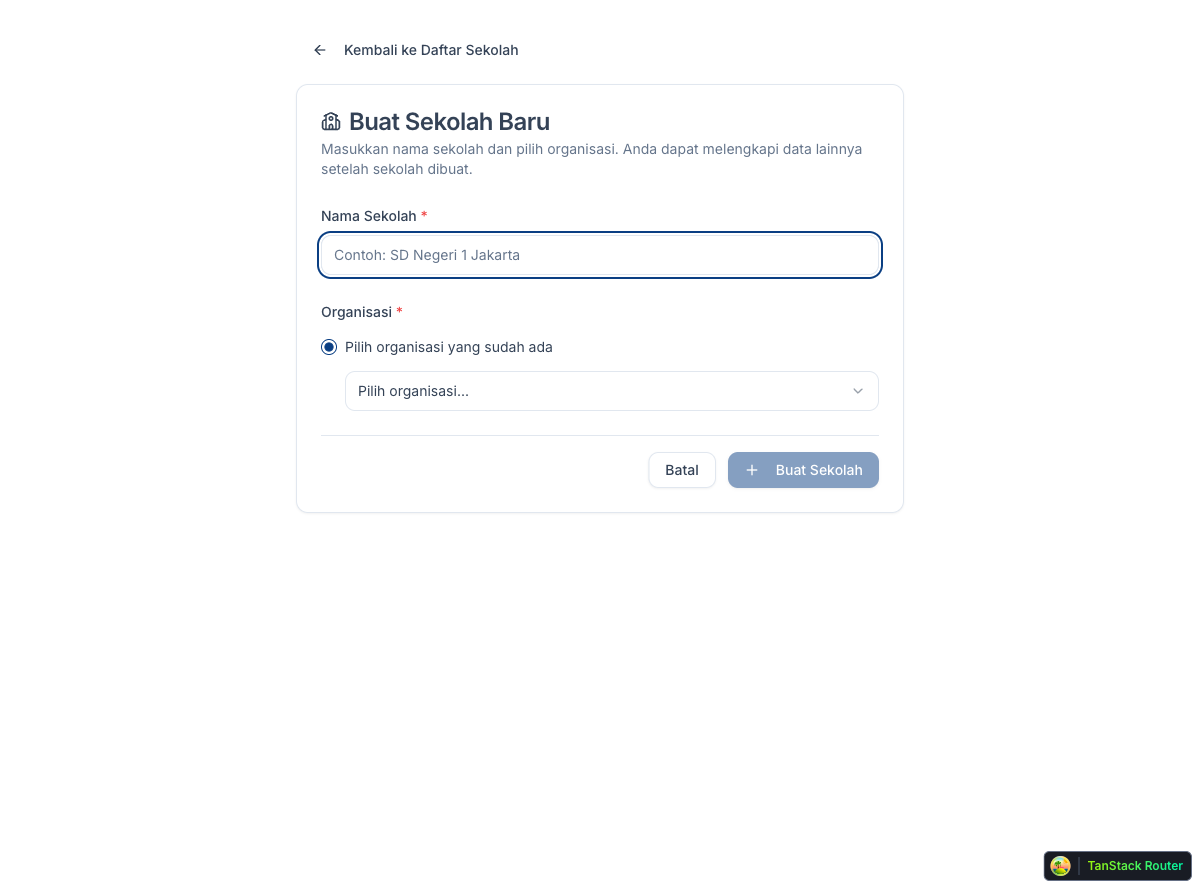
2. Fill in the name and organization
Section titled “2. Fill in the name and organization”Enter the school’s full name and select your organization from the Organisasi dropdown.
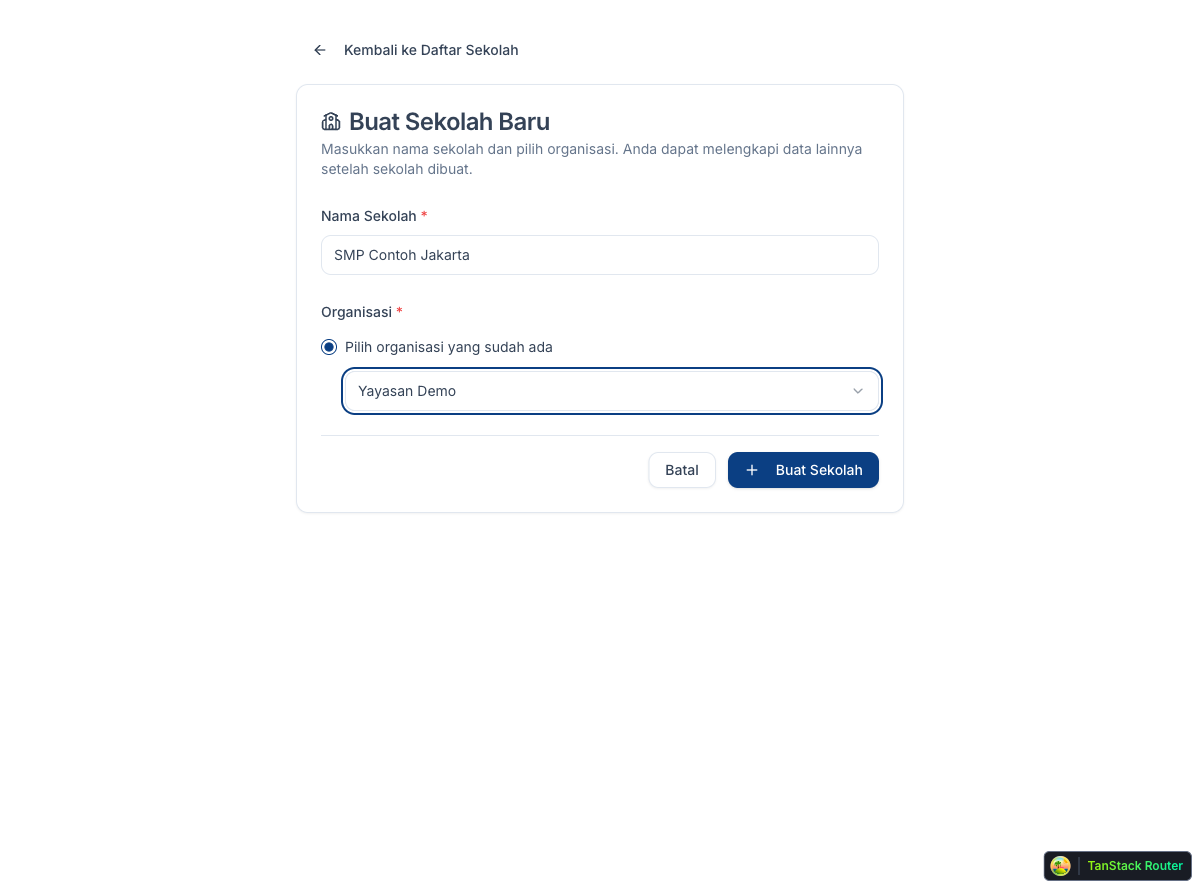
Click Buat Sekolah. The school record is created and the editor opens automatically.
3. Complete the school editor
Section titled “3. Complete the school editor”The editor has four sections. Fill in each one:
- Info Dasar: school name, logo, photos, description, contact details, and WhatsApp number
- Lokasi: full address including province and city
- Klasifikasi: school category, affiliation, and ownership type
- Jenjang: education level(s) the school offers
All changes save automatically. Each section shows its completion status: Lengkap means complete, Belum Cukup means more data is needed.
4. Request verification
Section titled “4. Request verification”Once all four sections are complete, contact a Super Admin. They will review the data and mark the school as verified.
Verified schools receive a verified badge and rank higher in search results. Unverified schools are still visible on the platform but appear lower in the listing.